 AI Tool
⚡ The 30-second verdict
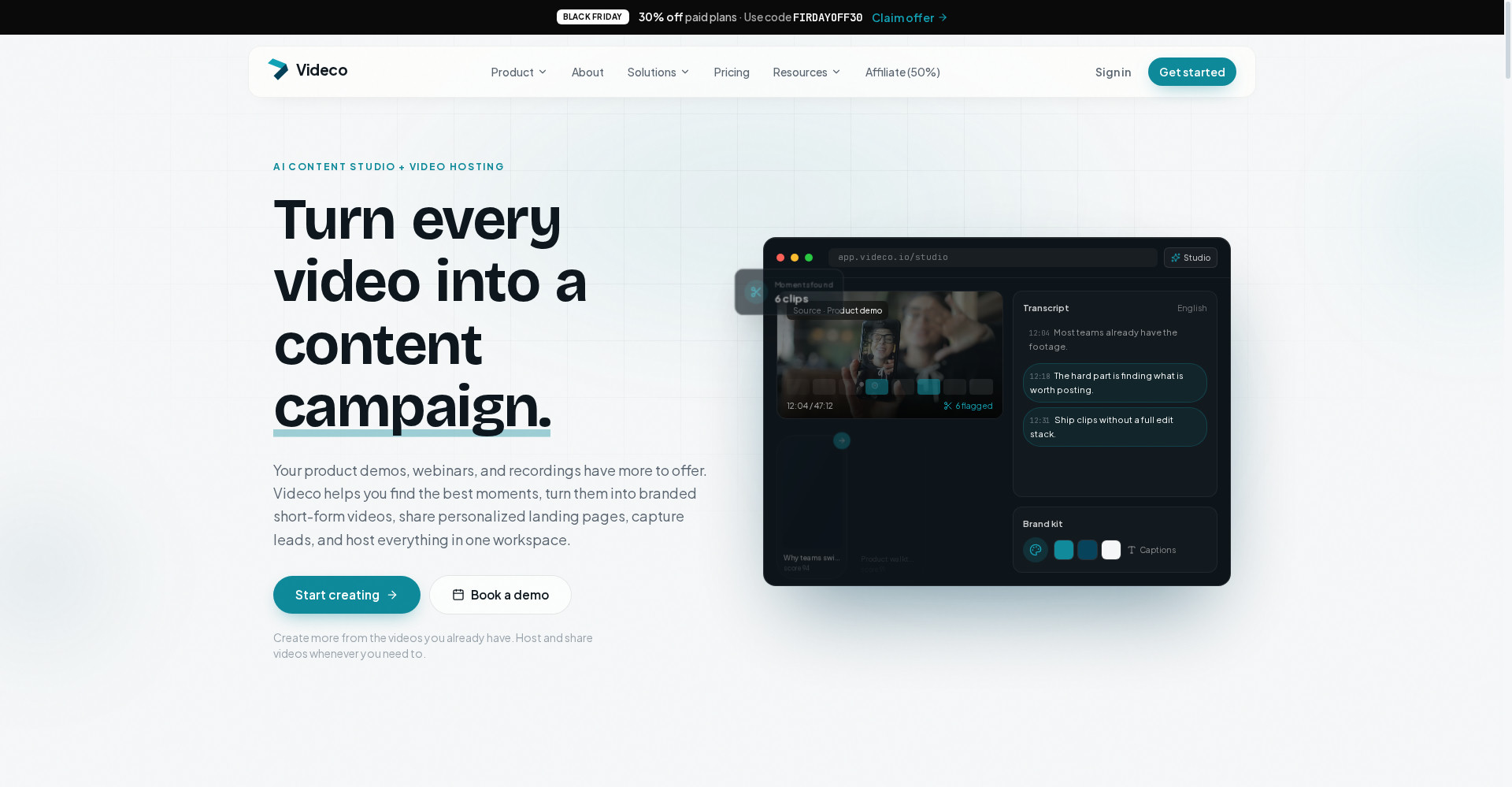
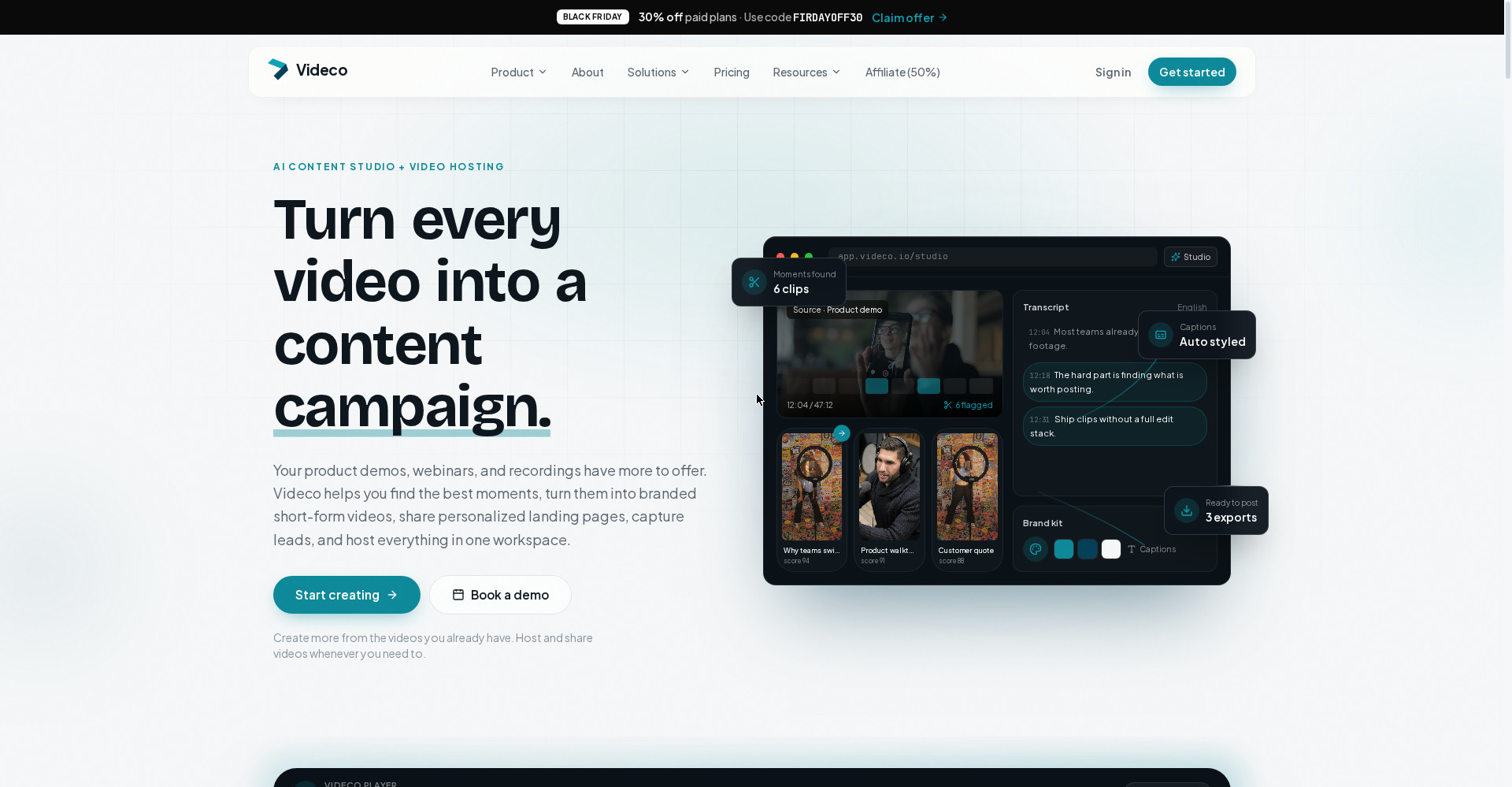
Videco is an AI content studio + video hosting workspace: your one long webinar or product demo becomes branded short clips, a LinkedIn post, a full blog post, and X/Reddit/Instagram posts — and the same video is hosted, embedded and measured in one place. It hit #5 Product of the Day on Product Hunt on 3 November 2026, and the most honest detail is that nothing is generated or posted without your approval. But the official homepage shows no clear pricing table, social scheduling is still on the roadmap, and the Content Studio preview is still labelled a prototype. For teams and agencies that produce webinars or demos every week and want to reuse them, it is worth trying on the free start; if you only need a clip or two, look at a focused tool like Opus Clip first.
What is it?
Every marketing team knows this story: the webinar was recorded, the demo was made, the meeting was captured — and then the video sat in a drive, unused. Nobody has an editor, nobody has the time, and turning one video into ten pieces of content is harder still.
Videco answers that problem. Its solo founder, Malith Gamage, puts it simply: working with video should be simpler for businesses and agencies, without giving up control over the brand or the experience. Videco’s promise: “Turn every video into a content campaign.”
In plain terms: upload one video, AI finds the moments worth sharing, you trim them, add captions and branding, and turn them into clips — then the same video also becomes blog and social posts, and it stays hosted in the same workspace.
Key features
1. One recording, multiple posts
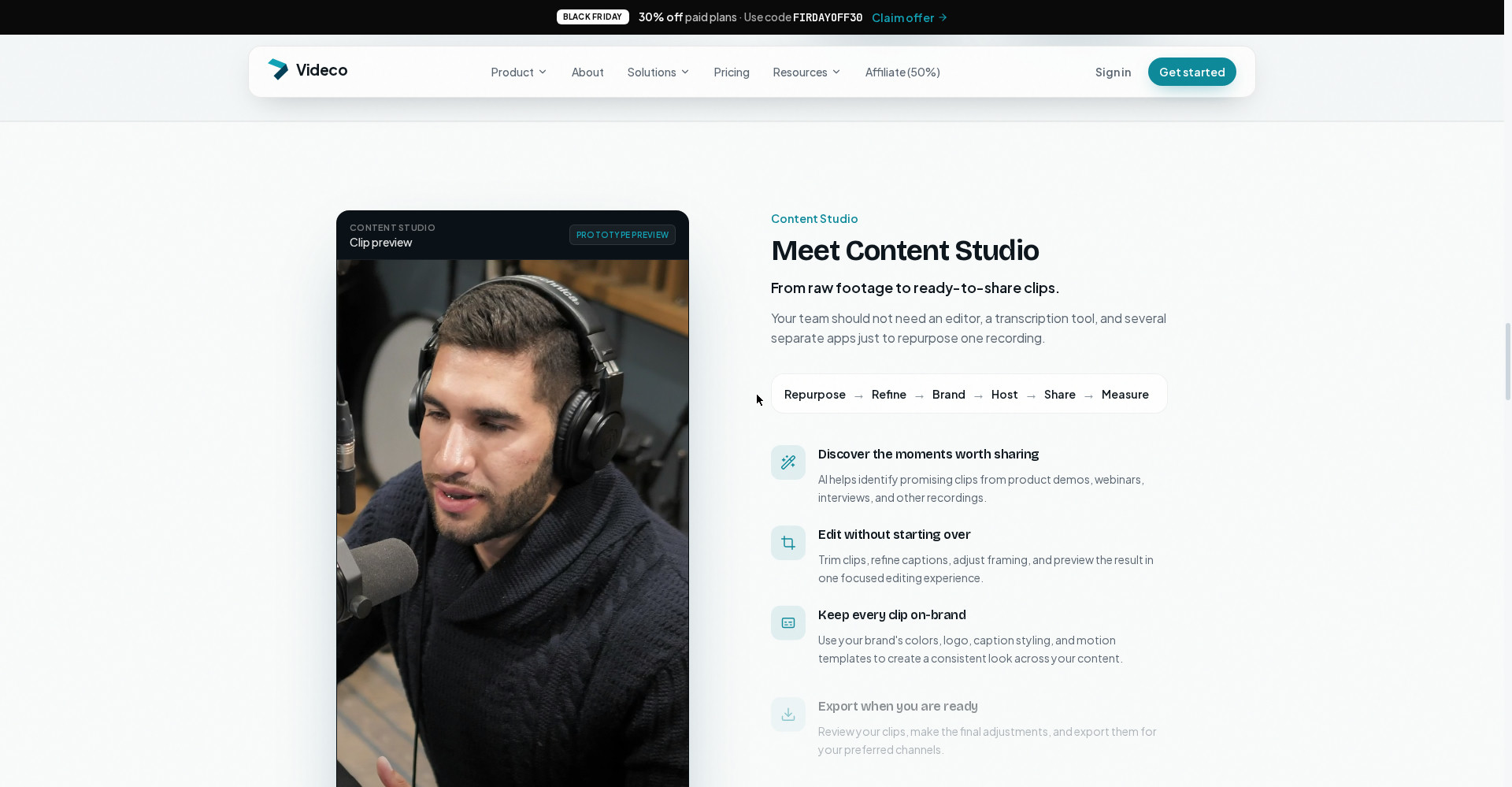
Videco’s core idea: the long source video stays in your library, and short vertical clips come out of it — without rebuilding your stack. Start from a demo or webinar, pull out moments that stand on their own, and export.
2. AI finds the moments — you approve them
AI identifies promising clips from product demos, webinars and interviews. The important difference: according to the maker, clips are only prepared with your approval — nothing is generated without it. An automation feature (auto-generate and auto-post) is planned, not live.
3. Every clip on-brand
Apply your brand’s colors, logo, caption styling and motion templates so every clip looks consistent. Trim clips, refine captions, adjust framing and preview the result — all in one focused editing experience, without an editor, a transcription tool and several separate apps.
4. A full content pack from one video
Per the maker’s answer, one video produces: clips, a LinkedIn post, a full blog post, an X post, a Reddit post and an Instagram post. That is what separates Videco from pure clipping tools — it builds a campaign, not just clips.
5. Client review magic link
The most useful feature for agencies: send a simple link with the content pack — clients approve or request changes without logging in. No asking clients to create an account just to approve a clip.
6. Hosting in the same workspace
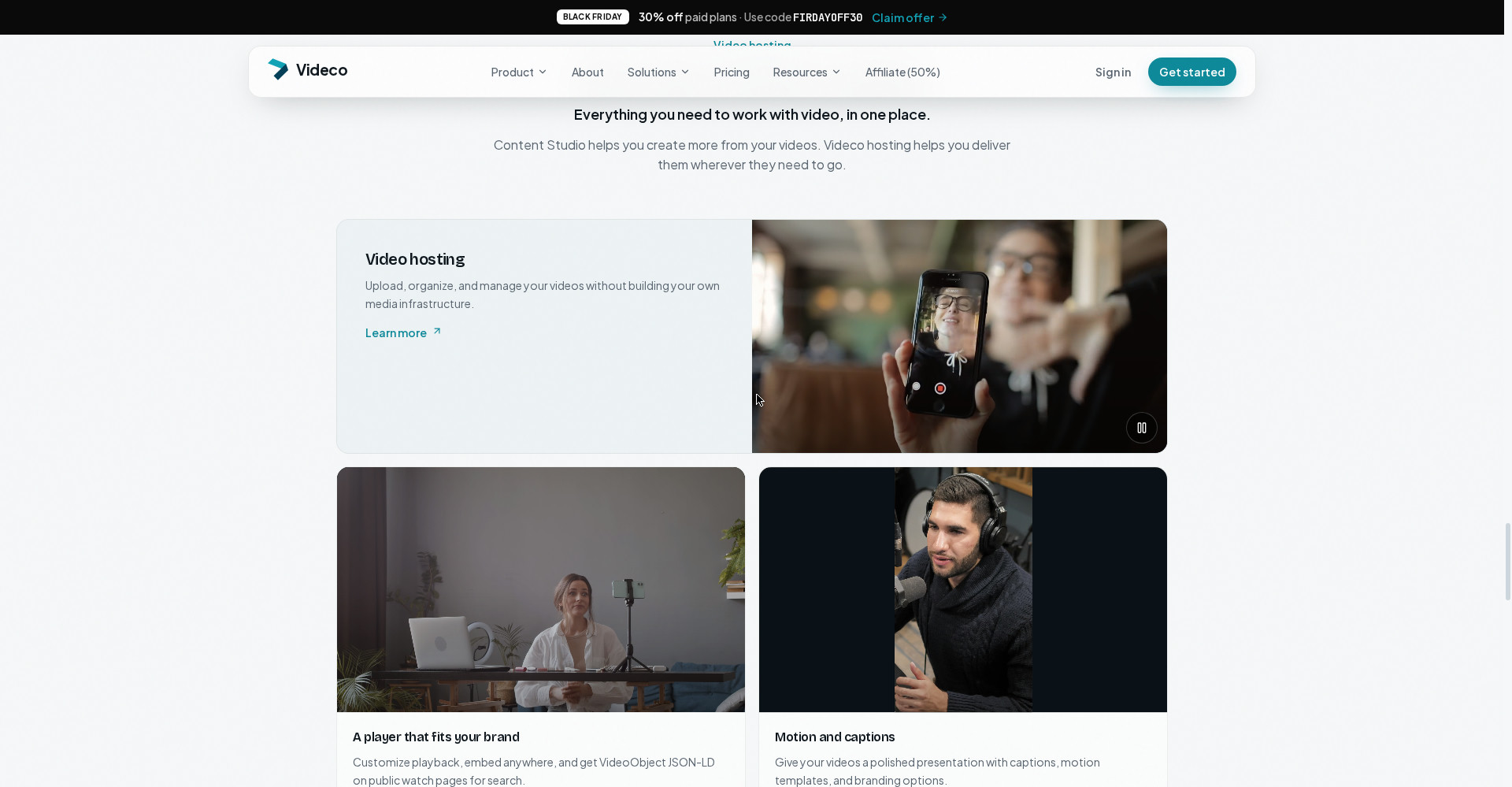
Videco is not only a creation tool — it delivers too: a branded player, personalized landing pages (with lead capture), watch pages, an embed snippet and playback analytics. An API is available on eligible plans for developers, and interactive elements like in-video lead forms and calendar booking appear on plans as listed.
Pricing — what do you get free?
Honesty matters here, because the pricing picture is messy:
- Free start: Product Hunt lists a price of $0 — you can start free. But the homepage does not clearly list the free plan’s exact limits.
- Light (~€17/mo yearly / ~€19/mo monthly): Per third-party listings, for individuals and freelancers — with interactive elements like surveys, lead forms and end CTAs.
- Growth (~€53/mo yearly / ~€59/mo monthly): For teams — more videos, advanced personalization, custom domain, more storage.
- Scale (~€143/mo yearly / ~€159/mo monthly): For large teams, with the highest capacity.
- Black Friday offer: The homepage currently shows a banner offering 30% off paid plans — so a discount is running around launch week.
The honest note: these prices come from third-party listings, not from a pricing table on the official homepage. Verify current prices and limits on videco.io/pricing before paying — they can change in launch week.
Platforms
- Web: videco.io — the full workspace runs in the browser, with no app install mentioned
- Embed anywhere: drop a snippet into your site for a branded player
- Social export: clips are prepared for vertical formats like TikTok, Reels, Shorts and LinkedIn (scheduling is still on the roadmap — for now, copy-paste to post)
Who should use it — and who should skip it
- Marketing teams: if webinars and demos need a second life as a full campaign, this is built for exactly that.
- Agencies: the client-review magic link removes the approval hassle — clients approve without logging in.
- SaaS companies: turn product demos into clips + blog + social, a content pipeline from one video.
- Freelancers and creators: if one recording should yield a week’s content, try the free start.
- Not for clip-only users: if you don’t need hosting, landing pages or client approval — just clips — Opus Clip-style focused tools are cheaper and simpler.
- Not for auto-posting (yet): scheduling is on the roadmap; if you need auto-posting today, Videco is not that tool yet.
Comparison: Opus Clip / Descript
- Opus Clip: the category leader for pure clipping — virality scoring, auto-reframe, captions. Free plan plus a Starter from around $15/mo. Simpler for clips alone, but no hosting, landing pages or client approval.
- Descript: a text-based full editor — edit long video like a document. Free plan available. Best for full editing, but building a whole campaign from one video is not its job.
- Videco: not a middle ground between those two — it is a campaign tool: clips + copy + hosting + landing pages + approval in one place. It still has to prove its clip quality against Opus Clip.
🔍 People also search for
- videco free or paid
- videco pricing plans
- videco vs opus clip
- videco vs descript
- videco review 2026
- videco alternatives
- videco login and signup
- how to make clips with videco
- ai video to content campaign tool
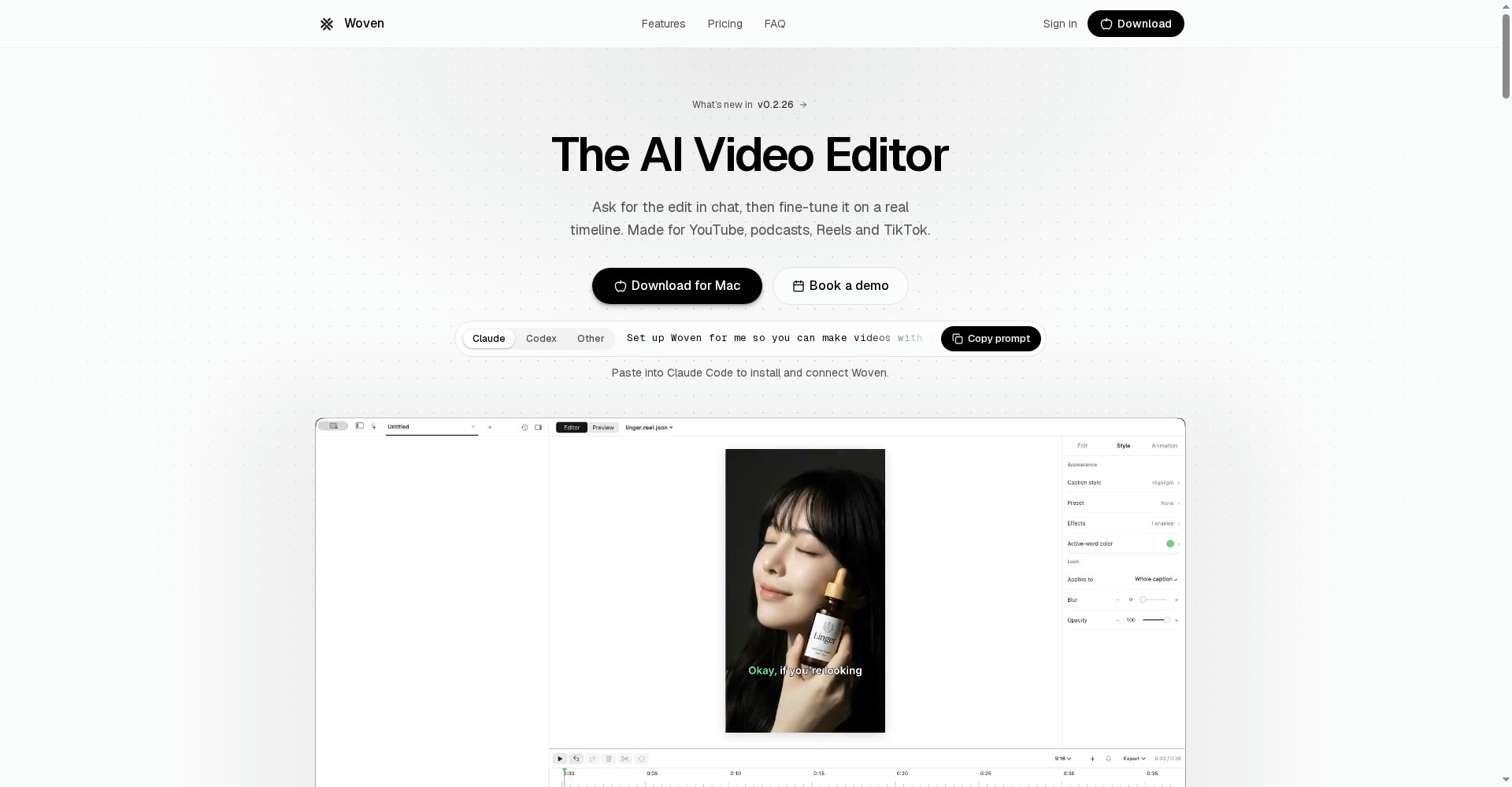
- woven video review
Final verdict
Videco is not trying to be just another clipping tool — it is trying to put the whole campaign workflow in one place, and that is its biggest strength. One video into clips + blog + social, approval in your hands, branded hosting and a client magic link — that combination is hard to find elsewhere today. So a point off for this: no clear pricing on the official site, scheduling still on the roadmap, the Studio preview still at prototype stage, and a solo founder’s new product that has yet to prove itself over the long run.
Our rating: 4.0/5. If you make webinars or demos every week and want to turn them into campaigns — start with the free tier on videco.io, test it on one of your own videos, and verify clip quality and pricing yourself before paying.
Note: This first-look review is based on the official site (videco.io) and its Product Hunt launch post (3 November 2026, maker Malith Gamage). We will add a hands-on update after testing it ourselves.