 AI Tool
 What is it?
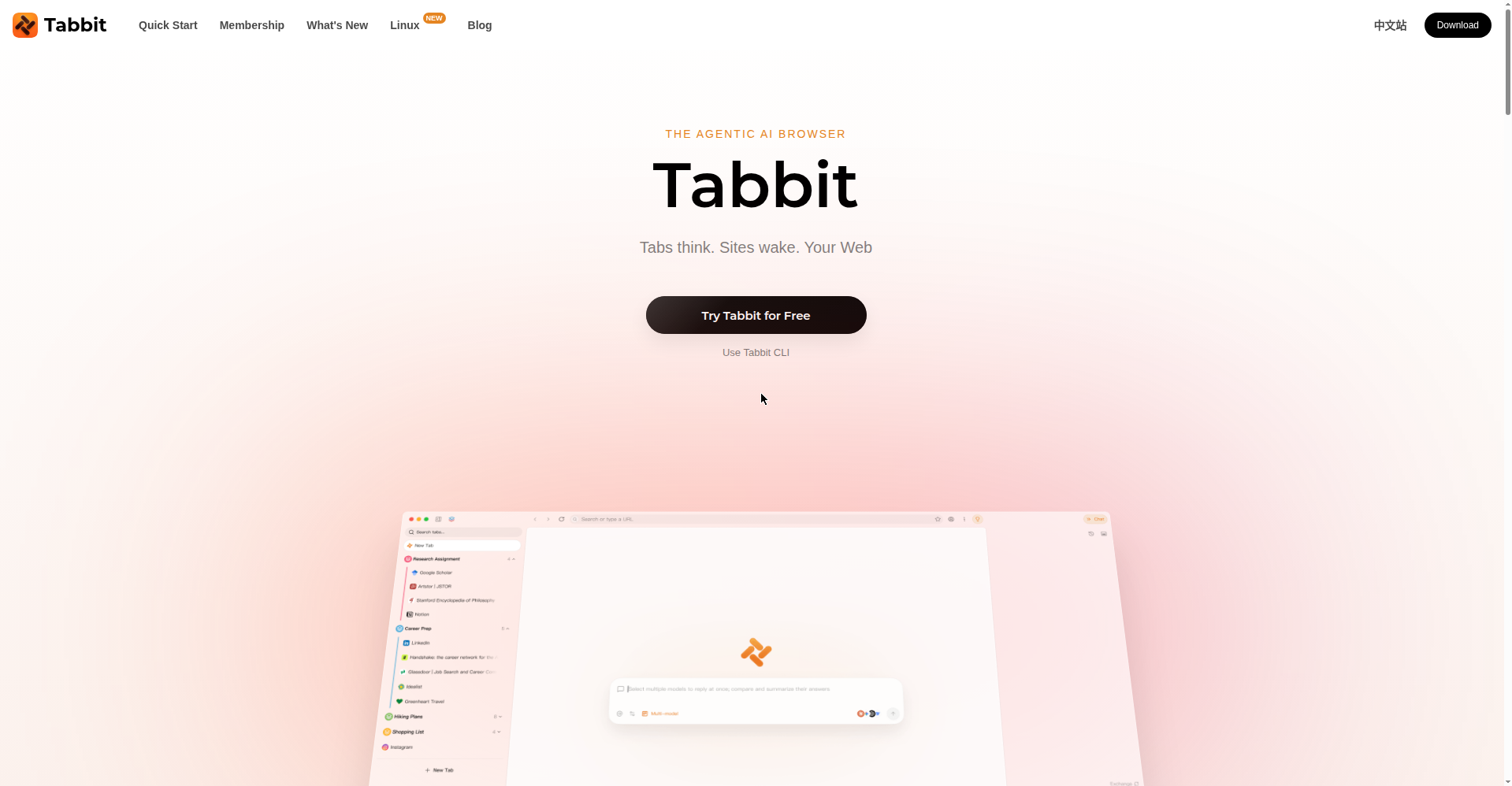
Tabbit is an AI-native browser — a browser built for AI from the ground up, not Chrome with an AI extension bolted on. It’s made by Lumina Lab (Singapore). Their pitch is blunt: “Tabs think. Sites wake. Your Web” — with the tagline “Tabbit does the boring stuff. You go do what only you can.”
In plain terms: in a normal browser you ask an AI a question and get an answer. In Tabbit you describe the work — and the browser opens tabs, pulls data, and hands you a finished report.
Standout features
1. Context — ”@ anything”
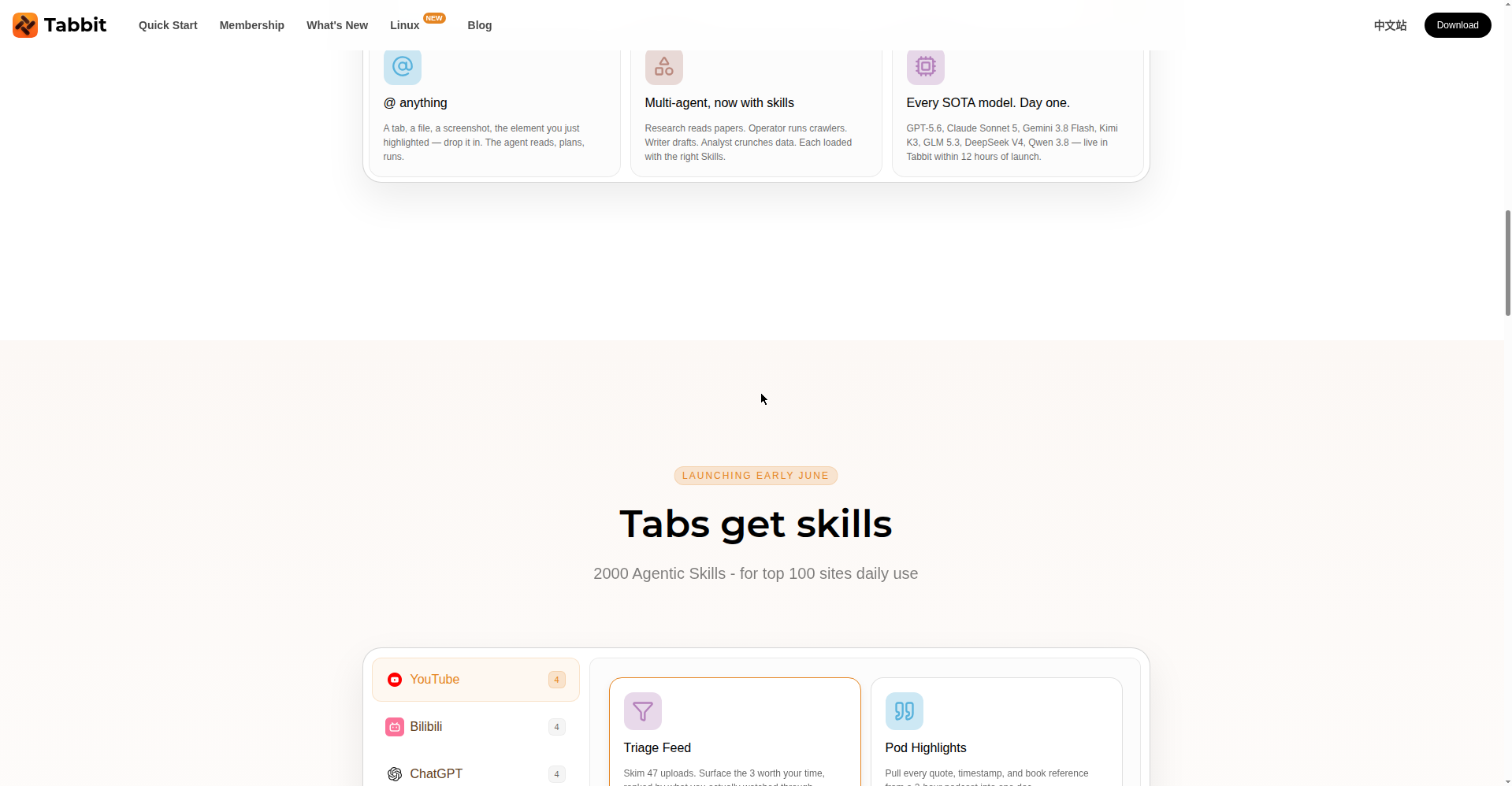
Tabbit’s most powerful idea: everything in your browser can become AI context. An open tab, a PDF, a screenshot, highlighted text, a local file — mention any of it with @ and the agent reads it, plans, and executes.
2. A multi-agent team
Not one agent — a whole team. A Research agent reads papers, an Operator runs crawlers, a Writer drafts, an Analyst crunches data. Each one loads with the right “Skills” for the job.
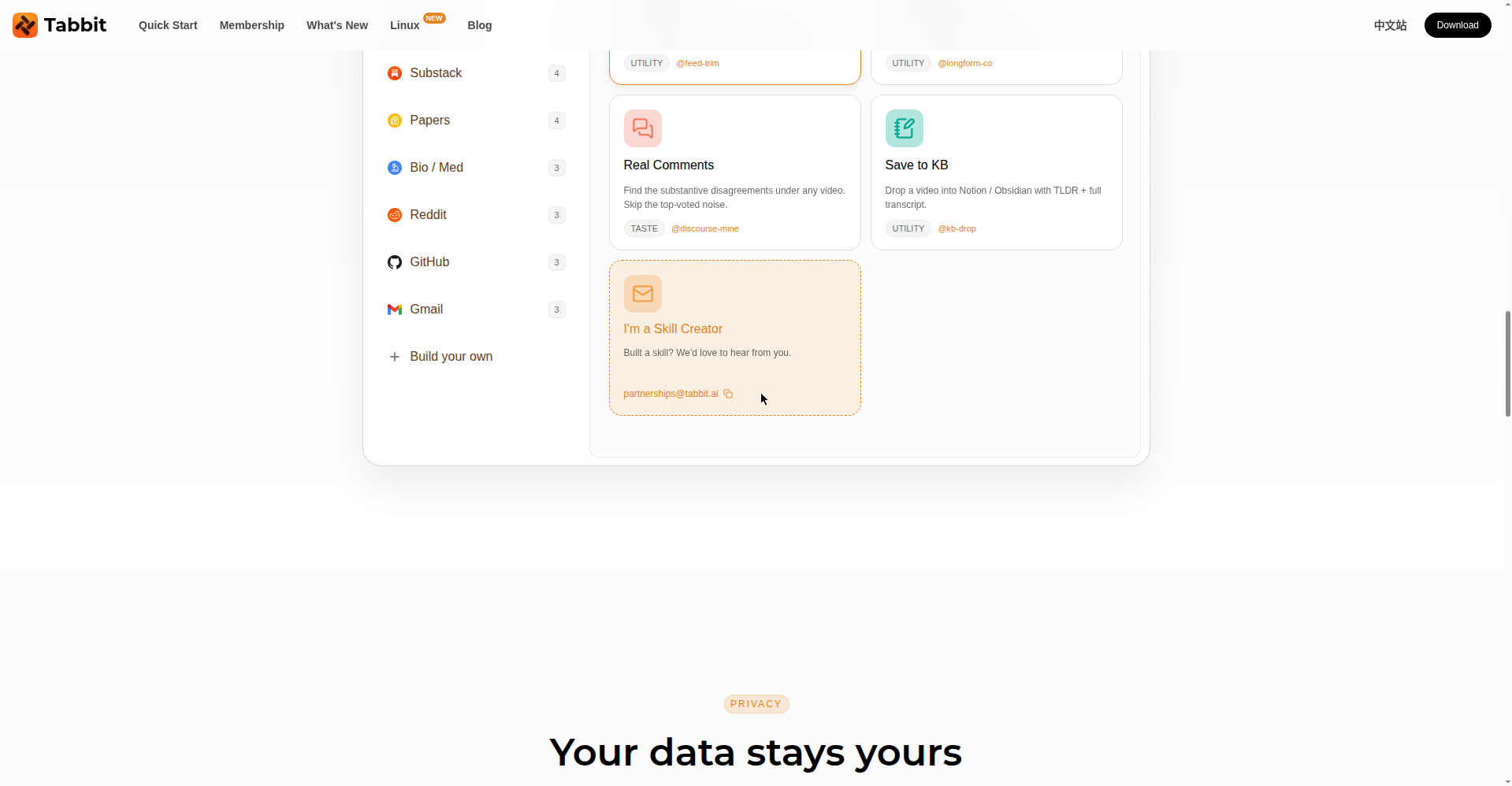
3. 2,000 agentic skills
Ready-made skills for the web’s top 100 sites — YouTube, Gmail, GitHub, ChatGPT, Reddit and more. Real examples: pull every quote and timestamp from a 2-hour podcast, find the substantive disagreement buried in a video’s comments, save any paper from arXiv or Nature in one click.
4. Every major AI model, day one
GPT-5.6, Claude Sonnet 5, Gemini 3.8 Flash, Kimi K3, GLM 5.3, DeepSeek V4, Qwen 3.8 — and the claim is that new models land in Tabbit within 12 hours of launch. No waiting lists, no gated access.
Pricing — what do you get free?
Per the official FAQ:
- Free: The browser is free forever. AI features include a weekly allowance that resets every week — so you can try agent mode regularly without paying.
- Standard (free): Set Tabbit as your default browser and AI usage jumps 10x — still free.
- Pro / Membership: A paid tier exists for heavy users, but its pricing isn’t openly listed on the homepage — the one genuinely unclear part.
What about privacy?
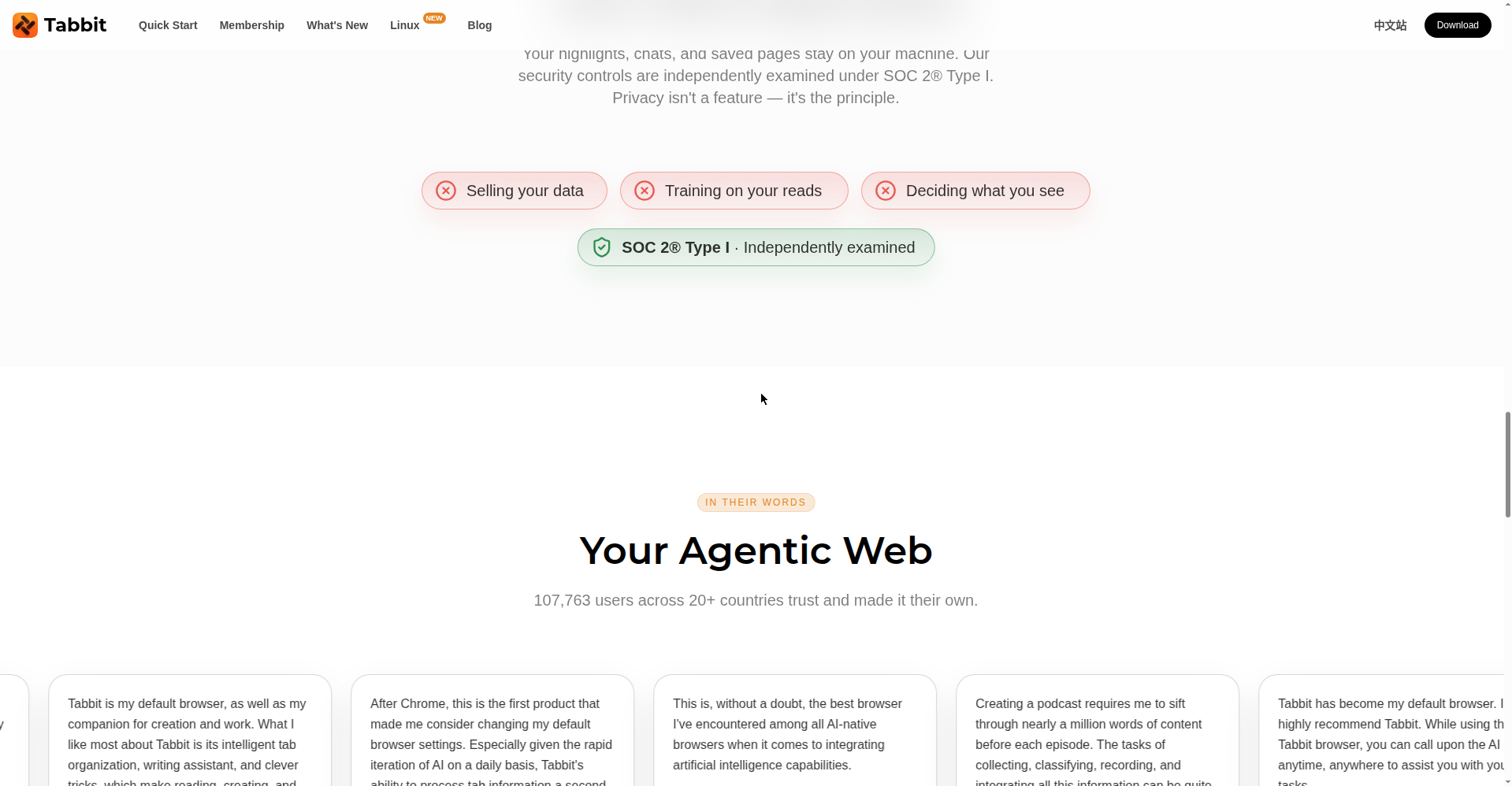
This is a strong point: your highlights, chats and saved pages stay on your machine. The company’s stated position — they don’t sell your data, don’t train on it, and their security controls are independently examined under SOC 2 Type I.
Platforms
- macOS 12+ (Apple Silicon and Intel)
- Windows 10+
- Linux and mobile are on the roadmap (the nav already shows a “Linux NEW” link, so work is underway)
Who should try it — and who shouldn’t
- Students & researchers: Reading papers, taking notes, doing research — this is what it’s built for.
- Content creators: Pulling highlights from podcasts/videos, analyzing comments — a real time-saver.
- Developers: Getting PRs explained, digging through docs — genuinely useful.
- Casual users: If you just browse YouTube and social media, stick with Chrome — no reason to switch.
Final verdict
Tabbit is the most serious attempt yet at the “AI browser” category — not a chatbot glued onto a browser, but an attempt to change the whole workflow. The free plan is generous, the privacy stance is solid, and the claimed 107,763 users across 20+ countries inspire confidence. Half a point off: no Linux/mobile yet, and Pro pricing is unclear.
Our rating: 4.5/5. If you’re a student, researcher or creator — there’s no downside to trying it free.
Note: this is a first-look review based on the official site and launch information. We’ll update it with hands-on testing on our own systems soon.